Debtless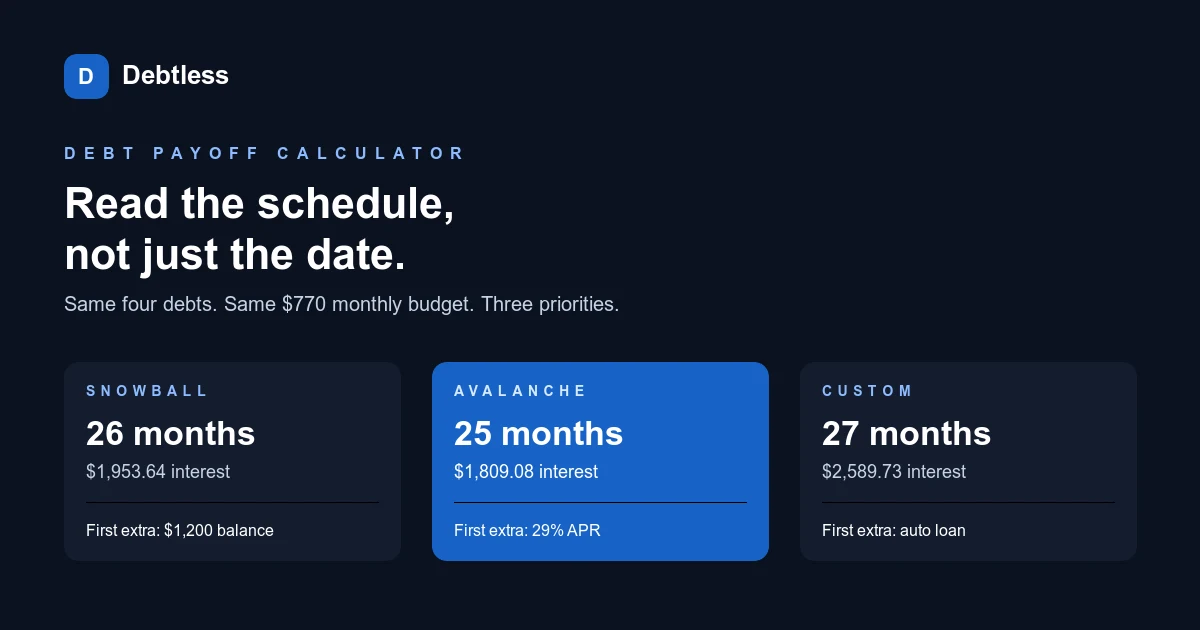
What should a debt payoff calculator output besides a date?
A debt payoff calculator should output the order receiving extra money, the month each balance reaches zero, the total months, estimated interest, and total paid. A date alone hides the path. Two plans can finish in the same month while clearing the first account at very different times, or they can share a first target and diverge later.
Keep the input summary beside those results. Record the starting balance, APR, required minimum, extra amount, first payment month, and what happens to freed minimums. A 25-month result means little in a comparison if you cannot see that it assumes a $770 monthly budget.
The Consumer Financial Protection Bureau's reducing debt worksheet describes the rollover as the entire payment, in its words, "monthly payment + extra payment," moving to the next debt. That small rule matters. A calculator that drops a finished debt's $100 minimum will produce a slower schedule than one that keeps the full budget working.
| Result to inspect | Why it matters | Question to ask |
|---|---|---|
| First extra target | Confirms the ordering rule | Smallest balance, highest APR, or my order? |
| Payoff milestones | Shows when each required payment is freed | Does the old payment roll forward next month? |
| Total interest | Makes strategy costs comparable | Are APR and compounding assumptions disclosed? |
| Monthly debt budget | Prevents an unfair comparison | Are minimums included or added twice? |
| Final payment | Exposes rounding or overpayment | Does the last month use only the amount owed? |
A useful result connects every output to a visible input or stated assumption.
How do snowball, avalanche, and custom order change the same plan?
Snowball, avalanche, and custom order change which active debt receives the $175 extra after all $595 of required minimums are covered. The four balances below total $17,300, so each comparison starts with the same accounts and the same $770 monthly budget. Only the priority rule changes.
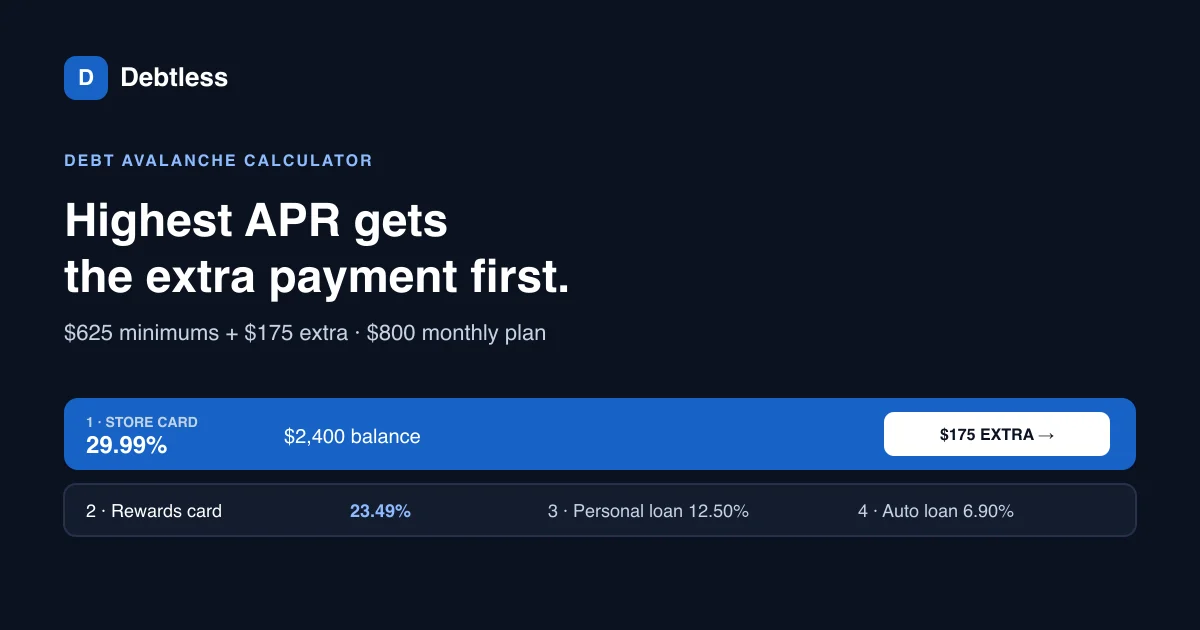
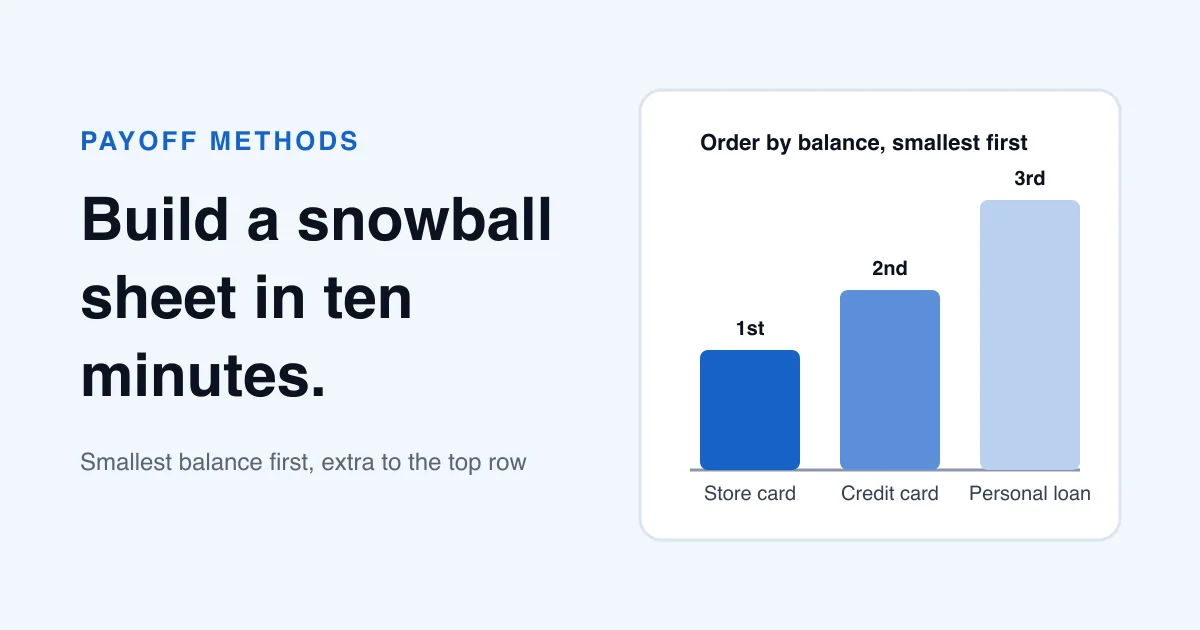
Snowball sends the extra to the $1,200 clinic plan because it has the smallest balance. Avalanche sends it to the 29% store card because that rate is highest. The custom example sends it to the auto loan first, which could reflect a personal priority, but the calculator cannot decide whether that priority is worth its modeled cost.
According to the CFPB worksheet, the highest-rate method can save money over the long run, while the snowball may create momentum by showing progress sooner. The Debtless snowball and avalanche calculator lets you compare those two rules with the same monthly amount. A custom-order tool adds flexibility, but its output still needs the same budget and assumption checks.
| Method | Rule for the extra | First modeled payoff | Total time | Modeled interest |
|---|---|---|---|---|
| Snowball | Smallest balance first | Clinic plan, month 5 | 26 months | $1,953.64 |
| Avalanche | Highest APR first | Clinic plan and store card, month 12 | 25 months | $1,809.08 |
| Custom | Auto loan first | Clinic plan, month 12 | 27 months | $2,589.73 |
Debtless-style monthly model: fixed APRs, no new charges or fees, minimums paid first, freed minimums rolled forward, and a smaller final payment. The custom order is illustrative and is not a Debtless calculator mode.
How can you check a debt payoff calculator before trusting its schedule?
You can check a debt payoff calculator by reconciling its first modeled month before looking ahead 25 months. Start with the combined balance. Add one month of interest under the tool's stated method, subtract the complete payment budget, and compare that figure with the schedule. This catches missing minimums and double-counted extras that a final date can hide.
For this example, simplified monthly interest is $62.83 on the store card, $48.88 on the personal loan, $44.80 on the auto loan, and $0 on the clinic plan. The total is $156.51. Add that to $17,300, then subtract the $770 budget: the expected combined ending balance is $16,686.51, subject to cent rounding.
Next, check the ordering rule without doing 25 months by hand. The snowball's first extra must go to $1,200, the avalanche's to 29%, and the custom plan's to the auto loan. If the target does not match the selected rule, revisit the entries and field labels before trusting any interest total. The guide to building a debt payoff plan can help you collect a consistent statement snapshot before running this check.
- Add every opening balance and save the total.
- Calculate the first month's interest using the model the calculator states.
- Subtract required minimums plus the extra amount exactly once.
- Confirm that the extra went to the debt required by the selected order.
- Inspect the final month for a partial payment instead of a full-budget overpayment.
Why might a calculator and your statements disagree?
A calculator and your statements can disagree because the calculator is a planning model while the creditor applies actual account terms and transaction timing. The CFPB explains that many card issuers calculate interest from average daily balances, so a monthly balance-times-APR estimate can miss the effect of posting dates and different cycle lengths.
New purchases, fees, variable rates, promotional balances, and changing minimums also move the result. A loan servicer may apply an extra payment differently from the model. Check the payment instructions and the posted transaction rather than assuming a larger transfer reduced principal on the same day.
When the numbers differ, reconcile them. Compare the modeled balance with the next statement and account for interest, fees, purchases, credits, and timing. Then rerun from the verified balance. The article on credit card payoff calculator mistakes covers the card inputs that most often create a polished but unreliable estimate.
Worked example · illustrative numbers
What known figures should this calculator example reproduce?
| Debt | Opening balance | APR | Minimum | First-month interest |
|---|---|---|---|---|
| Clinic plan | $1,200 | 0% | $100 | $0.00 |
| Store card | $2,600 | 29% | $85 | $62.83 |
| Personal loan | $5,100 | 11.5% | $160 | $48.88 |
| Auto loan | $8,400 | 6.4% | $250 | $44.80 |
| Total | $17,300 | Not applicable | $595 | $156.51 |
With a $175 extra, the full payment budget is $770. Under this simplified monthly model, $17,300 + $156.51 - $770 = $16,686.51 after month one.
Put this into practice with Debtless
Debtless models avalanche and snowball from balances, APRs, minimums, and one extra monthly amount. It keeps the calculation on the device and does not send payments. Use the result to compare plans, then use current creditor statements to confirm what is due and how a payment posted.

Common questions
What is the most important debt payoff calculator result?
The most important result is the one tied to your decision. For choosing a method, compare the extra-payment order and interest. For budgeting, confirm the monthly amount. For motivation, inspect the first payoff milestone as well as the final date.
Should minimum payments be included in the extra payment?
No. Treat required minimums and the extra amount as separate inputs unless the calculator explicitly asks for one total monthly budget. In this example, $595 of minimums plus $175 extra equals a $770 budget.
Is a custom payoff order always worse than avalanche?
A custom order is not automatically a bad choice, but it can cost more interest under the model. It may reflect a deadline, account risk, or personal priority that APR sorting does not capture. Document the reason and compare the tradeoff.
How often should I rerun a debt payoff calculator?
Rerun it after a meaningful balance, APR, minimum, fee, or payment-budget change. A monthly statement review is a practical time to replace projections with verified figures.
Sources & further reading
General education for U.S. readers, not individualized financial, legal or tax advice. Examples are hypothetical; lender terms and actual interest calculations can differ. Check your current statements and agreements.
Published by Debtless with AI-assisted drafting. How this journal is made · Suggest a correction