Debtless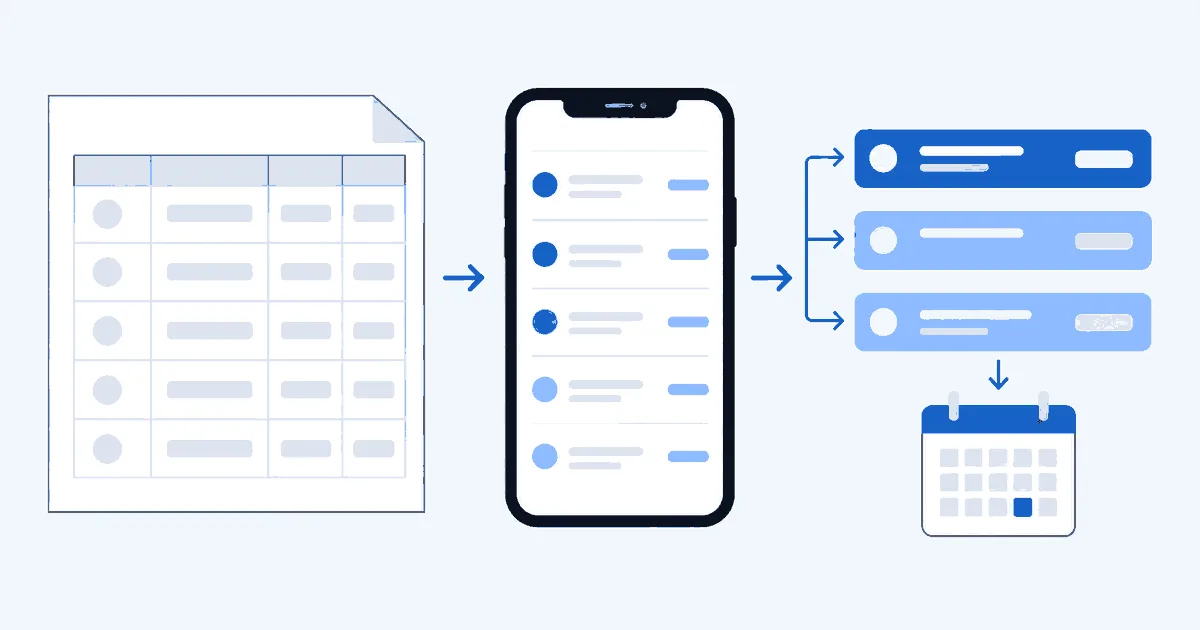
Which fields does a debt tracker app need you to maintain?
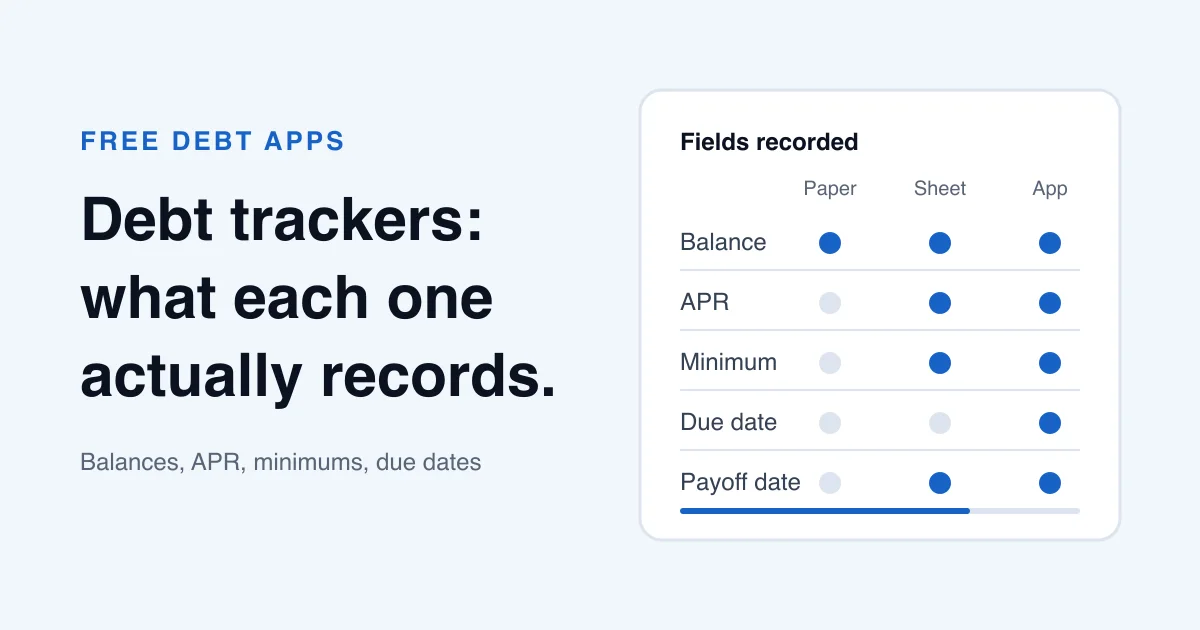
A debt tracker app needs five maintained inputs for each debt: a recognizable name, current balance, APR, required minimum payment, and next payment date. Take the four financial fields from a current statement or agreement. The name can be a private nickname. You don't need a full account number to build a payoff plan.
The Consumer Financial Protection Bureau says a monthly credit card statement shows both your minimum payment and the due date. That makes the statement a better checkpoint than memory for two fields that can change. Pair those figures with the current balance and APR you verify with the creditor; the payoff date remains a calculated result in your plan.
Put the extra monthly payment at the plan level too. It doesn't belong to one debt, so store it once rather than copying it into every row. If the extra falls from $150 to $75 for one month, one plan edit is easier to audit than several debt-payment edits.
| Field | Where to verify it | What it controls |
|---|---|---|
| Debt name | Statement or agreement | Which obligation the row represents |
| Current balance | Latest statement or posted activity | Total owed and snowball order |
| APR | Statement or rate-change notice | Interest estimate and avalanche order |
| Minimum payment | Current statement | Required-payment budget |
| Next payment date | Current statement | Calendar and reminder timing |
| Extra monthly amount | Your current budget | Plan speed and allocation capacity |
The first five fields belong to an individual debt. The extra amount belongs to the overall plan.
What should the debt tracker app calculate for you?
A debt tracker app should calculate total balance, total required payments, payoff order, estimated interest, and projected payoff dates from your maintained inputs. Those are results, so don't type them back into a source field. If the date moves after a balance update, keep the new balance and let the plan recalculate.
Your statement may include its own payoff disclosure, but that figure answers a narrower question. The CFPB says card issuers must show how long the current balance would take to repay at minimums and the monthly amount that would repay it in 36 months. That disclosure uses the statement balance and assumes no future purchases. A free debt payoff planner combining several debts makes a different estimate from every balance, rate, minimum, and the extra amount you entered.
Calculated results still deserve a quick check. Confirm that every active debt appears once, the required minimums add up, and the first target matches the selected order. A polished chart can't repair an old balance or a missing APR.
How does the same debt ledger work in a spreadsheet?
A spreadsheet needs the same current inputs, but you own the column definitions, formulas, ranges, and sort rules. That flexibility helps when one card has two rate buckets or you want to model an unusual one-time payment. It also lets a formula omit the last row without warning.
The broader Paper, Spreadsheet, or App comparison explains what each medium can hold. For a working sheet with cells and rollover formulas, use the Debt Snowball App and Spreadsheet Template. Whichever tool holds the current ledger, label the other one as a scenario. Two different balances shouldn't both look official.
Manual entry gives both tools the same limitation. Neither knows that a creditor posted interest, changed a minimum, or reversed a payment until you update the record. An app can spare you formula maintenance. It can't turn a stale statement figure into a current balance.
| Task | Debt tracker app | Spreadsheet |
|---|---|---|
| Store source figures | Fixed entry fields | Columns you define |
| Total the minimums | Calculated from debt records | SUM formula with a checked range |
| Choose payoff order | Named strategy or custom order | SORT rule or manual row order |
| Project payoff dates | Built-in calculation | Month-by-month formulas you maintain |
| Correct an error | Edit the affected debt | Edit the source cell and inspect dependents |
Both tools depend on the same current creditor records. The difference is who maintains the calculation structure.
Which fields can change the payoff order?
Snowball orders debts by balance; Avalanche orders them by APR. Minimums and extra money affect how much can be allocated. The next payment date supports timing, but does not set either payoff method's sorting rule.
This distinction tells you which edit deserves an immediate order check. A large payment can move a balance below another debt and change Snowball order. A variable-rate notice can move a debt above another one in Avalanche order. A changed due date matters for the calendar, but it doesn't make a 7% loan outrank a 24% card under Avalanche.
The Debt Snowball and Avalanche Calculator lets you compare those two orders with the same inputs in a browser. Its projection is an estimate; a creditor may calculate daily interest differently.
When should you update each debt-tracker field?
Update a debt tracker app when the underlying source changes, not on an arbitrary daily schedule. The monthly statement is the usual checkpoint for balance, APR, minimum payment, and next payment date. Update sooner when a posted payoff, rate-change notice, fee, or reversed payment changes the plan materially.
If the list may be incomplete, the Consumer Financial Protection Bureau says you can get a free copy of your credit report from each of the three major consumer reporting companies once a week at AnnualCreditReport.com. Review all three reports for accounts that belong in your ledger, then verify each balance, minimum, due date, and APR against current statements or creditor records.
The maintenance list is short. Date the balance, confirm the APR, replace the minimum only when the statement changes it, verify the next due date, and set the plan-level extra to an amount the current budget can support. Before committing to a tool, the free debt app checklist can help you test its price terms, required data, and correction workflow.
Worked example · fictional debt ledger
How do these fields change payoff order in a $12,400 example?
Consider three fictional debts: a $4,200 credit card at 23.99% APR with a $95 minimum, a $6,500 car loan at 6.49% with a $180 minimum, and a $1,700 medical bill at 0% with a $25 minimum. The balances total $12,400 and the minimum payments total $300. These numbers illustrate the calculation and do not represent customer records.
Snowball puts the $1,700 medical bill first because it has the smallest balance, followed by Visa and the car loan. Avalanche puts the 23.99% Visa first because it has the highest APR, followed by the car loan and medical bill. The same three debt rows produce different orders because the selected rule reads a different maintained field.
Changing the payoff order does not change the $12,400 balance or the $300 total minimum. To estimate interest and payoff dates, also enter the extra amount available each month and check that the rates and payment terms are current.
Put this into practice with Debtless
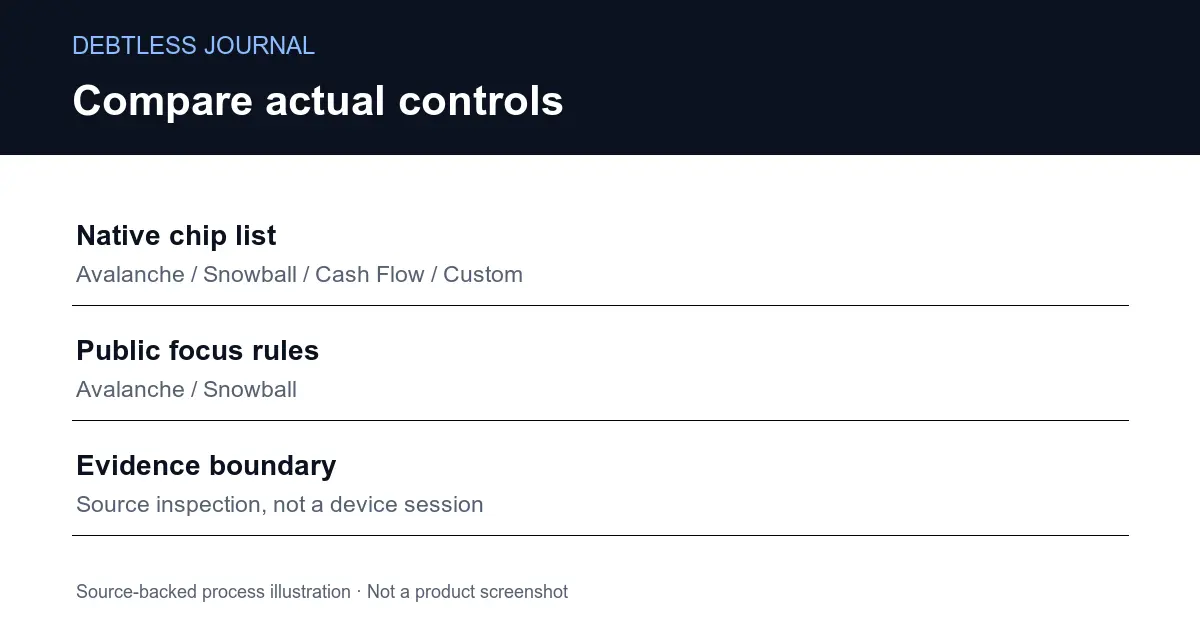
Debtless is a free iPhone app with no subscription, ads, account, or bank linking. You enter each debt's balance, APR, minimum payment, and due date, then compare Avalanche, Snowball, Cash Flow, and Custom payoff orders. Debtless does not verify creditor records or send payments, so keep current statements as the source of truth and update the ledger after payments post.

Common questions
What information should I put in a debt tracker app?
Use a recognizable debt name, current balance, APR, required minimum payment, and next payment date for each debt. Keep the extra monthly amount at the plan level. Avoid storing full account numbers when a private nickname is enough.
Does Debtless update balances automatically?
No. Debtless has no bank linking, so you update balances from statements and posted activity. That keeps bank credentials out of the app, but it also means the projection is only as current as the figures you entered.
Does a due date change Snowball or Avalanche order?
No. Snowball sorts by balance and Avalanche sorts by APR. A due date remains useful for payment timing and reminders, but it does not set either of those two payoff orders.
Can a spreadsheet replace a debt tracker app?
Yes. A spreadsheet can hold the same fields and calculate a complete payoff plan if you maintain its formulas, ranges, and sorting rules. An app supplies a fixed structure; a spreadsheet gives you more control over that structure.
Sources & further reading
- CFPB: Know Before You Owe: Credit cards
- CFPB: Understanding the three-year repayment box on a card statement
- CFPB: How to get a free copy of your credit reports
General education for U.S. readers, not individualized financial, legal or tax advice. Examples are hypothetical; lender terms and actual interest calculations can differ. Check your current statements and agreements.
Published by Debtless with AI-assisted drafting. How this journal is made · Suggest a correction