Debtless
What must a planner make explicit before you run it?
A planner should show its starting snapshot and calculation rules clearly enough that you can explain the result later. Save the date you checked the statement, the balance you entered, the APR, the required payment, and the recurring extra. These are separate facts. A balance copied last month and a rate copied today may not describe the same starting point, even when every field looks reasonable on its own.
Use a short preflight note rather than rebuilding your entire budget here. Write down where each figure came from and which uncertainties remain. A promotional rate, a late fee, or an installment payment that includes something beyond principal and interest deserves a note beside the entry. If you cannot verify a figure, label the projection provisional. Do not silently replace an unknown APR with a confident estimate.
The CFPB’s debt reduction guidance says to gather bills and interest information when building a repayment strategy. The guide to making a debt payoff plan covers that starting collection. This checklist begins at the next boundary: deciding whether the planner interprets those collected figures the way you intend.
Does extra money mean extra above minimums?
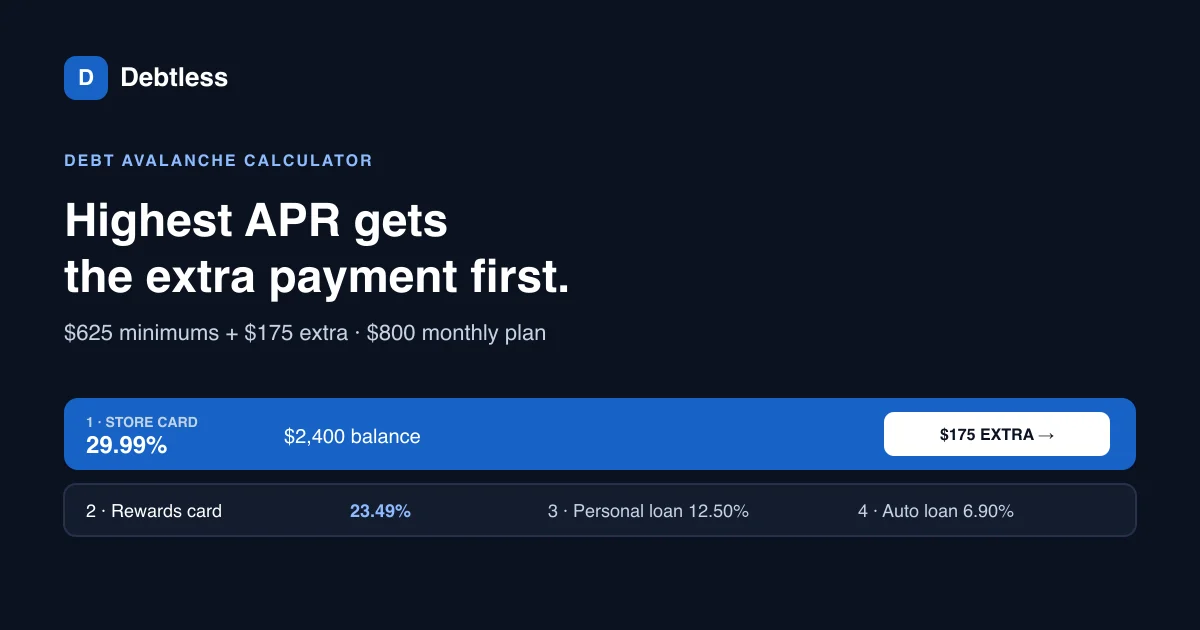
Extra money should have a clear relationship to required payments. In Debtless’s public calculator, each active account receives its modeled minimum before the extra pool is applied. The extra field therefore represents money above the entered minimums. If you enter a complete monthly debt budget into that field, the model treats the budget as additional money and forecasts a more aggressive schedule than you meant to request.
Check the label and the explanatory text together. A different planner could use a total-budget field and subtract minimums itself. Neither interface convention makes the other tool wrong. The mistake comes from carrying one interpretation into another interface without checking. Ask, “Does this number include every minimum already entered?” and keep the answer in your saved plan notes.
Before increasing the extra, check whether it is repeatable. A one-time refund belongs in a separate scenario unless the tool explicitly models irregular payments. The calculator results guide explains how to read a schedule after it runs. Here, the practical test is whether the input describes the money you can actually make available each month.
What happens when a minimum payment is freed?
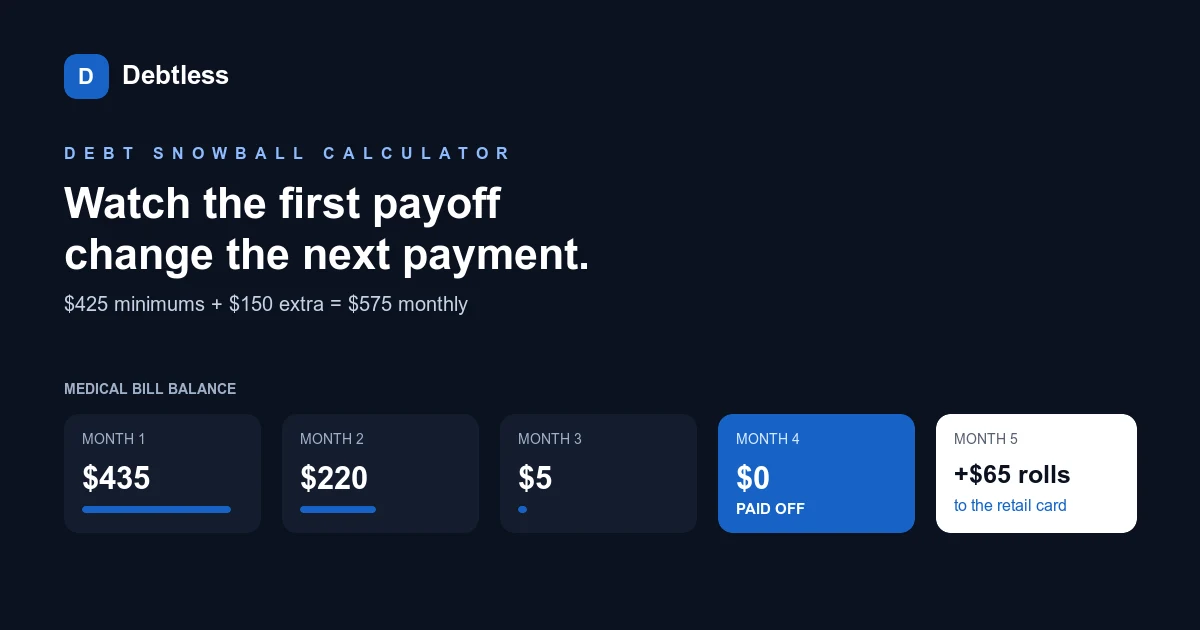
A freed minimum should follow the planner’s stated rollover rule. The public Debtless source adds minimums from accounts finished in earlier modeled months to the extra pool. That means the modeled payment effort continues after those balances reach zero. A planner that reduces the budget after each payoff describes a different routine and should say so.
The timing matters as much as the existence of rollover. Read the source walkthrough below: it checks whether the account already has a recorded finished month. It does not fetch a bank transaction or wait for a creditor confirmation. A modeled completion is only a simulation state. In real use, confirm the final payment posted before removing that required payment from your actual calendar.
Keep the difference in your preflight note. One line can say “rollover assumed; creditor posting still needs checking.” That protects you from treating an expected milestone as available cash today. The article on rolling a finished payment forward covers the handoff after a real account is finished.
What should you do with a forecast that does not finish?
A forecast that does not finish needs investigation rather than a more persuasive label. The public source stops the simulation after a maximum of 720 modeled months and returns a separate done flag. Reaching that boundary is a model limit. It does not prove that the debt will be paid in exactly that time, and a page should not present it as an ordinary successful payoff date.
Inspect the payment amount and the interest assumptions first. If the balance keeps growing under the chosen payment, adding a distant date will not repair the plan. Check for a mistyped APR or minimum, then compare the entries with current account terms. Keep any unresolved result separate from a schedule you are ready to follow.
When comparing tools, check how each one reports noncompletion. An empty result, a warning, and a capped estimate mean different things. Write the status next to the forecast. The checklist is complete when you can explain both the assumed payment routine and the meaning of the output, including the cases in which the model cannot provide a finished plan.
What evidence belongs beside each action?
| Preflight question | Evidence to retain |
|---|---|
| Input meaning | Extra is above modeled minimums |
| Rollover timing | Previously finished accounts contribute their minimum |
| Completion status | Check done as well as months |
Source inspected from the existing tracked public calculator. Account terms and actual posting still need independent verification.
Worked example · source walkthrough
What does the tracked rollover source actually say?
The tracked file marketing/site/public/debt-payoff-calculator/calc.js contains this exact line: var pool = extra + sims.reduce(function (t, s) { return t + (s.finished !== null ? s.min : 0); }, 0);
Read the expression from left to right. It begins with extra, then visits every modeled account. An account contributes its minimum only when finished is no longer null. The resulting pool is allocated to the focus debt after the minimum-payment pass. This is an original source walkthrough, not a claim that a bank payment was made or that a native app session was exercised.
Put this into practice with Debtless
Use the public payoff calculator for a scenario you can explain. Keep the starting snapshot and the preflight note with it. Debtless is a planning tool; use the creditor’s authorized payment channel and confirm the posted result before updating your real records.

Common questions
What should a debt payoff planner checklist verify first?
Verify the dated balances, rates, required payments and meaning of the extra-payment input. The forecast is provisional until those inputs describe the same account snapshot.
Does a finished account automatically free money today?
A modeled finished account is only a simulation state. Confirm the creditor’s final payment posting and any remaining amount before changing the real payment calendar.
What does a capped payoff simulation mean?
It means the model reached its calculation limit. Check the separate completion status and investigate the inputs rather than treating the cap as a successful payoff date.
Sources & further reading
General education for U.S. readers, not individualized financial, legal or tax advice. Examples are hypothetical; lender terms and actual interest calculations can differ. Check your current statements and agreements.
Published by Debtless with AI-assisted drafting. How this journal is made · Suggest a correction