Debtless
The short answer
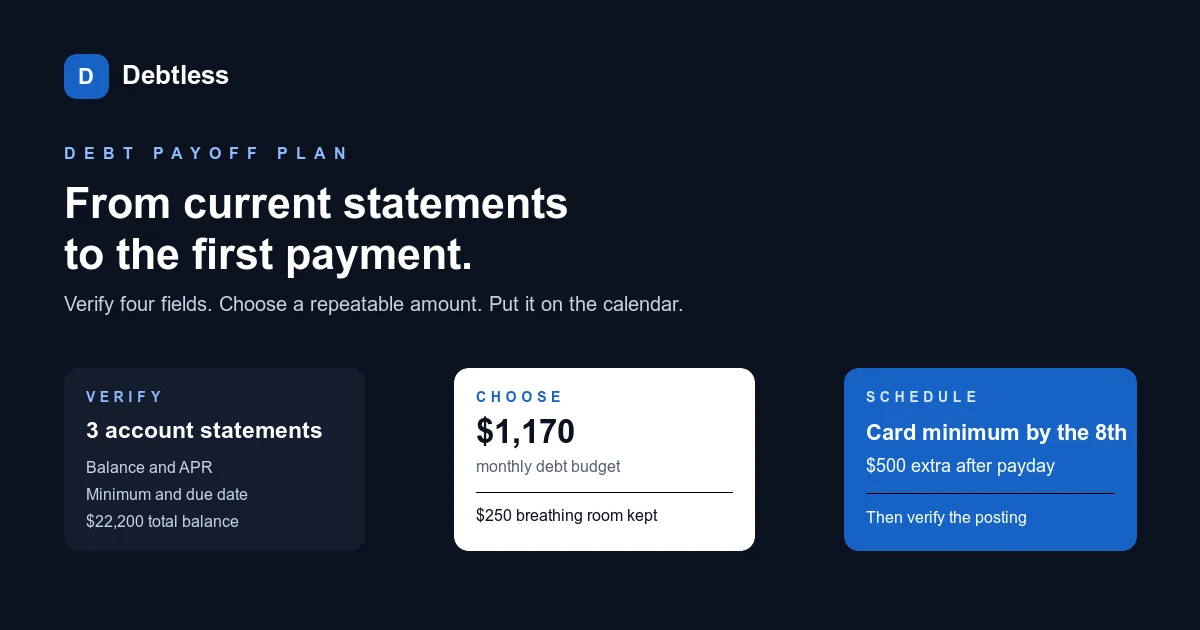
Before the first extra payment, confirm the account, the money available, the creditor’s payment instructions, and the effect on required payments. A good plan still needs a careful transaction. Save the confirmation and verify posting so the debt tracker reflects an actual payment rather than an intention.
What should you understand before starting?
Extra payments can be handled differently across account types and creditor systems. For a loan, review how additional money is applied and whether special instructions or charges exist. For every account, confirm that the normal required payment remains covered. Use official channels instead of payment links from unexpected messages.
What can you do next?
Work through these actions using your actual account information. If a fact is uncertain, keep the uncertainty visible until you can confirm it.
- Check available cash after upcoming necessities.
- Read how the creditor applies an additional payment.
- Submit through a verified channel and check the posted result.
Which mistake should you avoid?
Do not assume the app performs the transaction. A local debt ledger can display a payment entry without any money moving. The creditor’s record and your bank transaction are the evidence to reconcile.
What should happen after the payment posts?
Compare the posted transaction with the amount submitted and check the resulting balance. Save the confirmation alongside the statement or account record that reflects it. If the balance differs from a simple subtraction, look for interest, fees, new activity, or timing differences before making a correction. Update the next planned payment only after the completed transaction is understood. This first reconciliation establishes a pattern you can repeat later. It also confirms the boundary between the planning tool and the creditor’s payment system, so future entries are less likely to be mistaken for money actually sent.
Worked example · illustrative numbers
Illustrative example: check the numbers
Assume you intend to send $150 beyond a $75 required payment. If the $75 has already posted, the new transfer is $150 and total payments are $225. If neither has been sent, a $150 transfer is only $75 above the requirement. Distinguishing the two prevents a $75 planning error.
Put this into practice with Debtless
Debtless is a completely free iPhone debt app for keeping a local debt list and comparing repayment projections. It requires manual updates and does not send payments, link bank accounts, or replace creditor statements.

Common questions
When should I lower the tracked balance?
Follow your chosen reconciliation method, but distinguish pending from posted activity. Confirm the creditor’s updated balance rather than subtracting a payment twice.
What should happen after the payment posts?
Compare the posted transaction with the amount submitted and check the resulting balance. Save the confirmation alongside the statement or account record that reflects it.
Sources & further reading
General education for U.S. readers, not individualized financial, legal or tax advice. Examples are hypothetical; lender terms and actual interest calculations can differ. Check your current statements and agreements.
Published by Debtless with AI-assisted drafting. How this journal is made · Suggest a correction